Learn Music Agent.
Find a practical answer, create your first stem, and bring Bovo into your DAW. Read a guide, pick a short lesson, or follow a complete walkthrough.
New to Bovo? Start hereFind a workflow.
- Can I generate editable drum MIDI?
Yes. Bovo Music Agent generates drum grooves using your tempo, time signature, length, and musical direction. Download MIDI to edit the notes in your DAW, or WAV to keep the rendered sound. Drums do not need a key or chord progression. MIDI playback depends on the drum kit and note mapping you choose.
Generate editable drum MIDI- Can I direct a MIDI key change?
Yes. In Bovo Music Agent, choose Passage with automatic chord timing, set the starting and destination keys, and describe how the phrase should arrive. Export MIDI to edit the performance or WAV to keep the rendered sound. Key changes cannot be combined with custom beat-grid chord timing.
Make a passage from C major to G major- Can I add pads and arpeggios in Logic Pro?
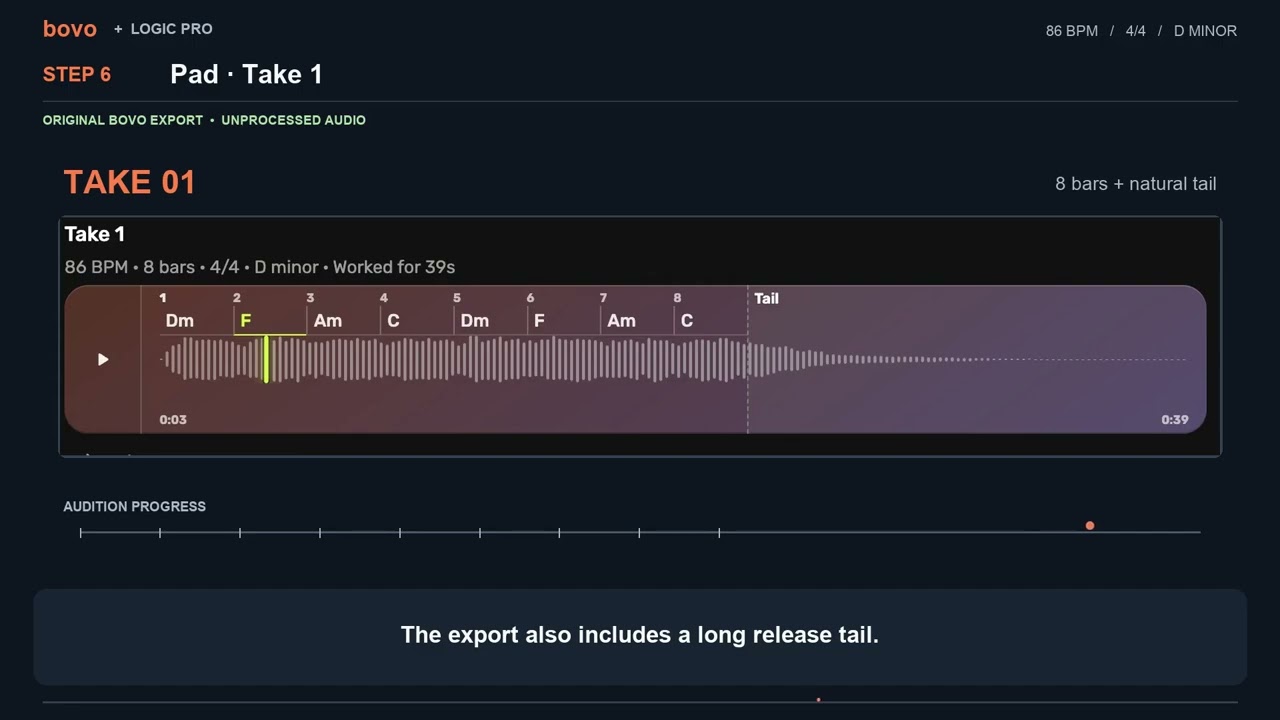
Yes. Enter your chord progression, key, tempo, and time signature in Bovo Music Agent, then generate Pad and Arpeggiator parts. Bring their MIDI or WAV into Logic Pro alongside your existing tracks. Each stem is generated independently; audition the layers together and adjust what fits your arrangement.
Add pads and arpeggios in Logic Pro
 Watch the walkthrough 6:39
Logic Pro pads & arpeggios.
Generate pad and arpeggiator parts around your chords with Bovo Music Agent, then bring their WAV and MIDI into Logic Pro.
- 6:39
- Logic Pro
- MIDI + WAV
- Pads
- Arpeggios
Explore the guides.
Find a written answer, learn one skill, or follow a complete walkthrough.
Your first jazz piano stem
Short lesson
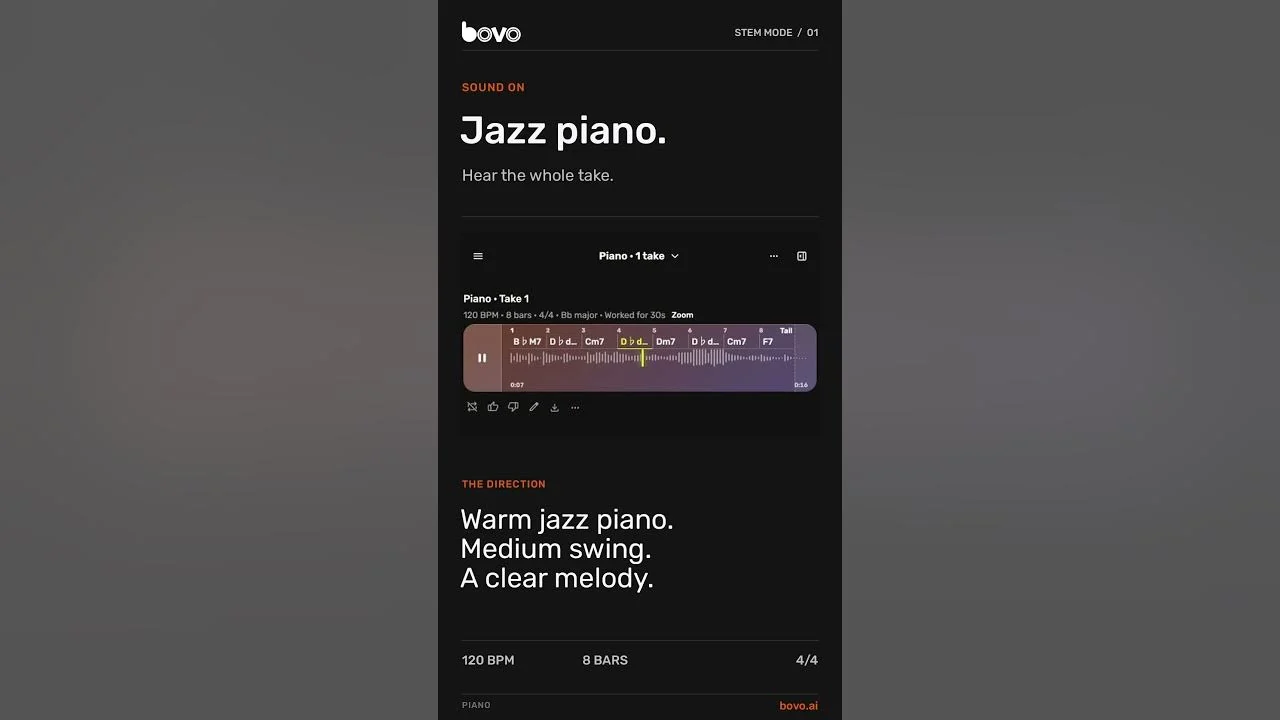
Describe a warm jazz piano loop, audition your take, and download its WAV.
- Piano
- Getting started
Guitar, bass and drums
Short lesson
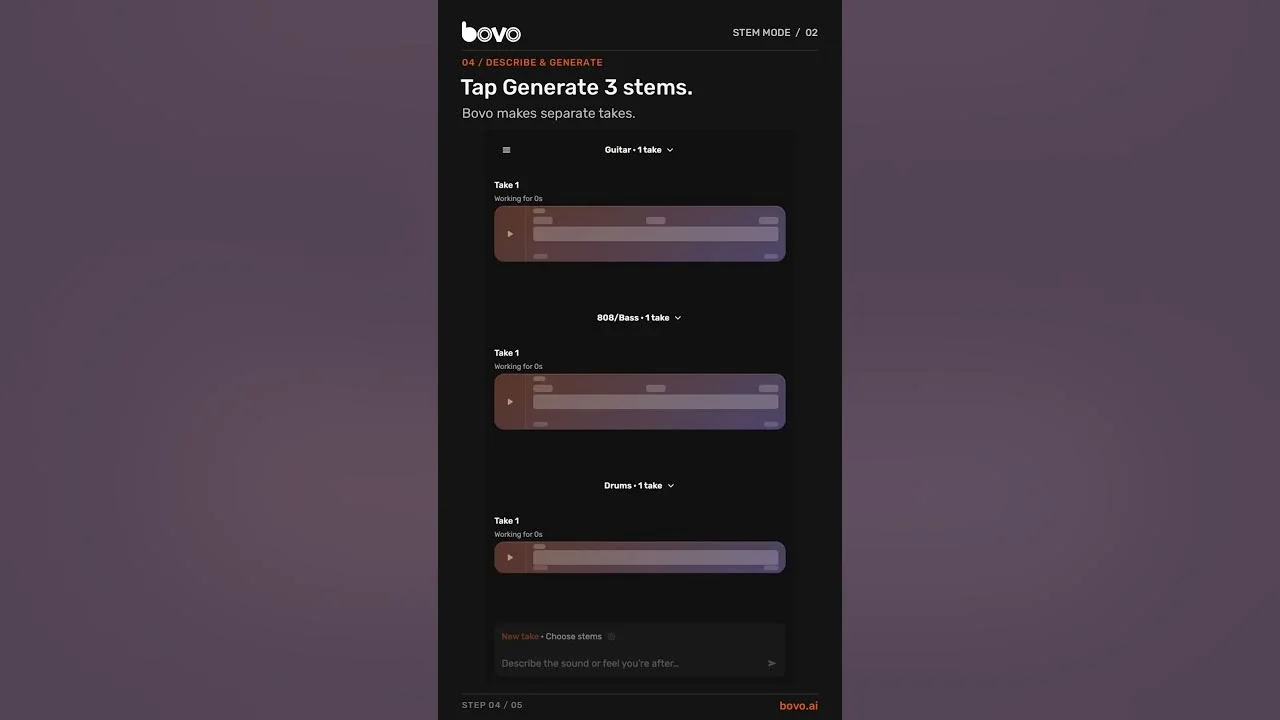
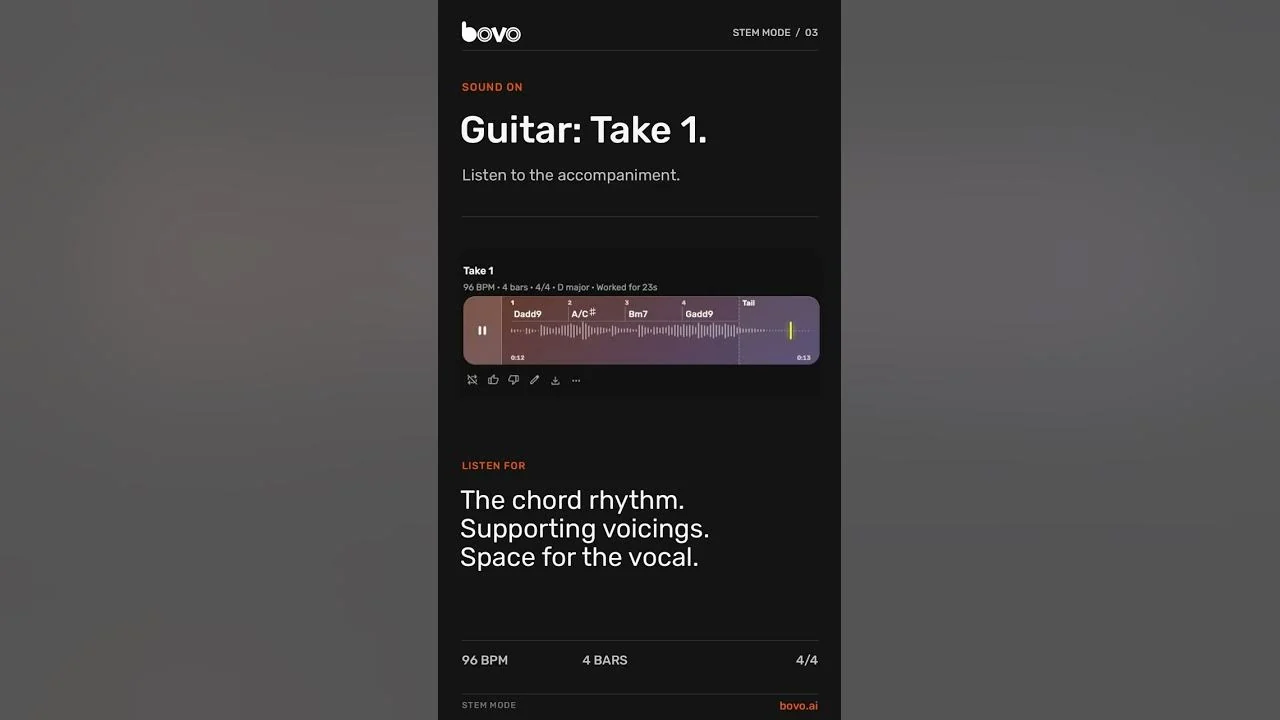
Give three parts a shared direction, hear each stem, then listen to a mix of the exported WAVs.
- Guitar
- Bass + drums
Compare guitar takes
Short lesson
Compare two takes, refine reverb and level, and download your choice as WAV or MIDI.
- Guitar
- Editing takes
Custom chords in D-flat major
Short lesson
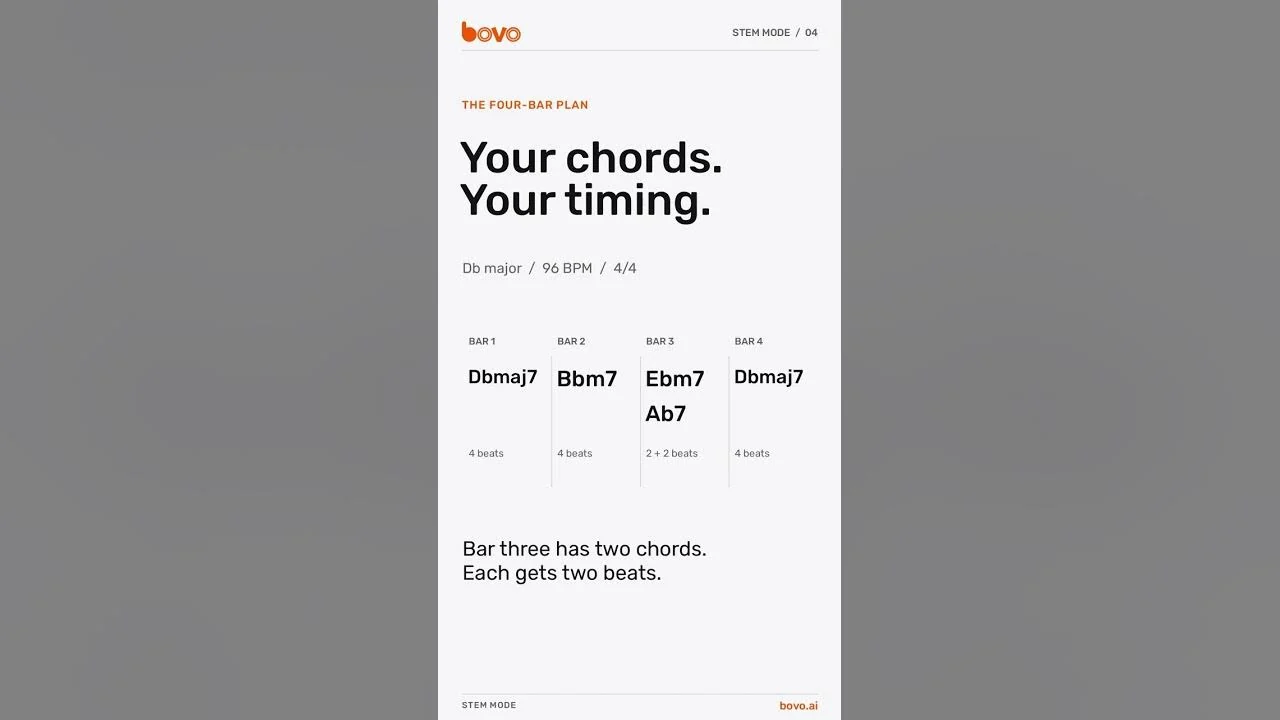
Write a progression for chords, pad and arpeggiator, including two chord changes in one bar.
- Custom chords
- Pad + arpeggiator
Pop piano and key changes
Short lesson
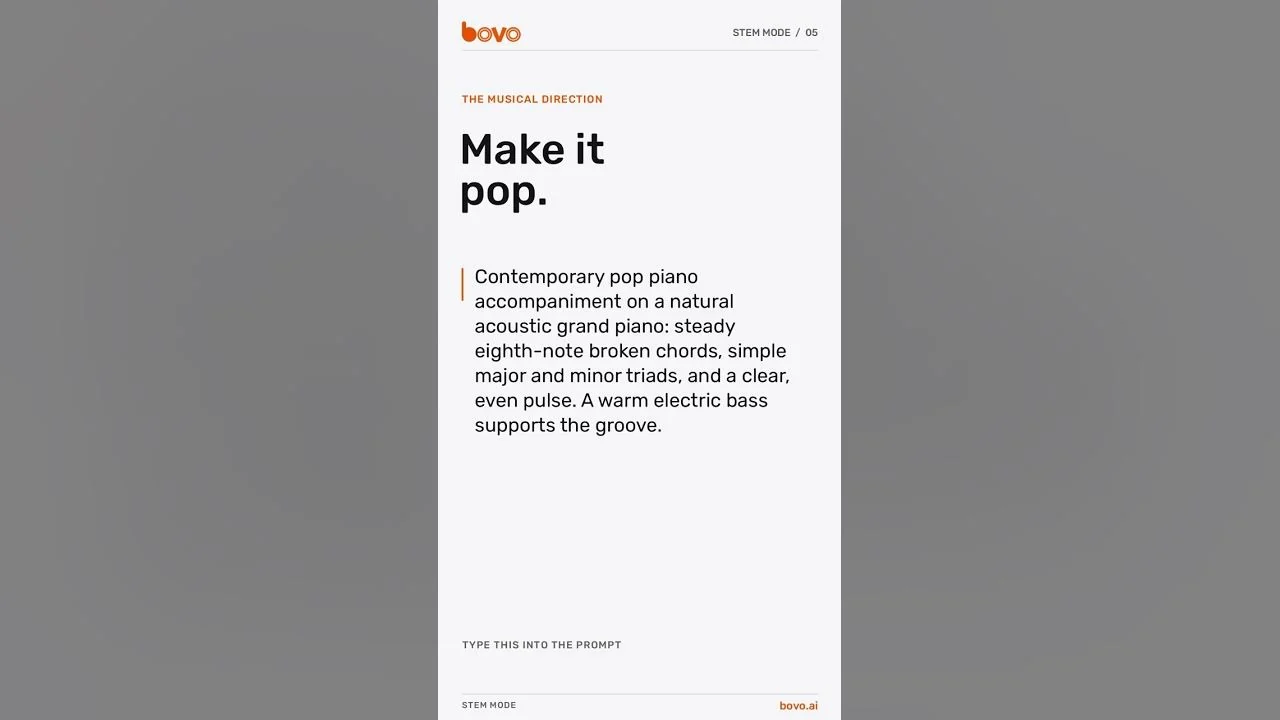
Move a piano and bass passage from C to G major, then download WAV, MIDI, or both.
- Piano + bass
- Key changes
- Modulation
- Editable MIDI
Logic Pro pads & arpeggios
DAW walkthrough
Generate pad and arpeggiator parts around your chords with Bovo Music Agent, then bring their WAV and MIDI into Logic Pro.
- Logic Pro
- MIDI + WAV
- Pads
- Arpeggios
Generate drum MIDI
Written guide
Create a drum groove at your tempo, export editable MIDI and WAV, and use the notes with a drum kit in your DAW.
- Drums
- Drum groove
- Editable MIDI
- Tempo
- DAW export
Bring your own musical idea.
Explore what each stem can bring to your arrangement, then use the Prompt Guide for examples and ways to refine your parts.